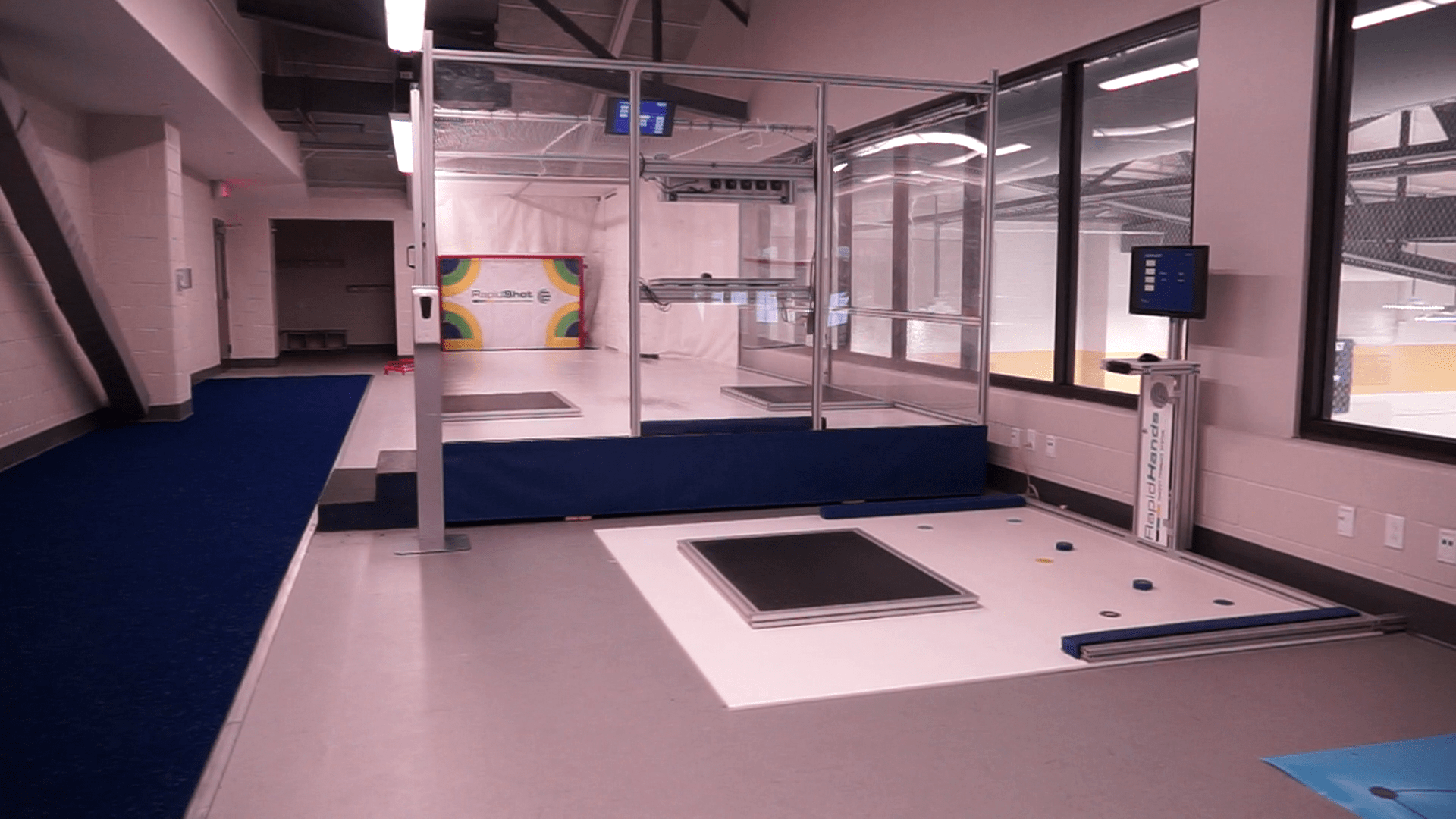
THE BATTING CAGE FOR HOCKEY
Contact Us Request a Quote
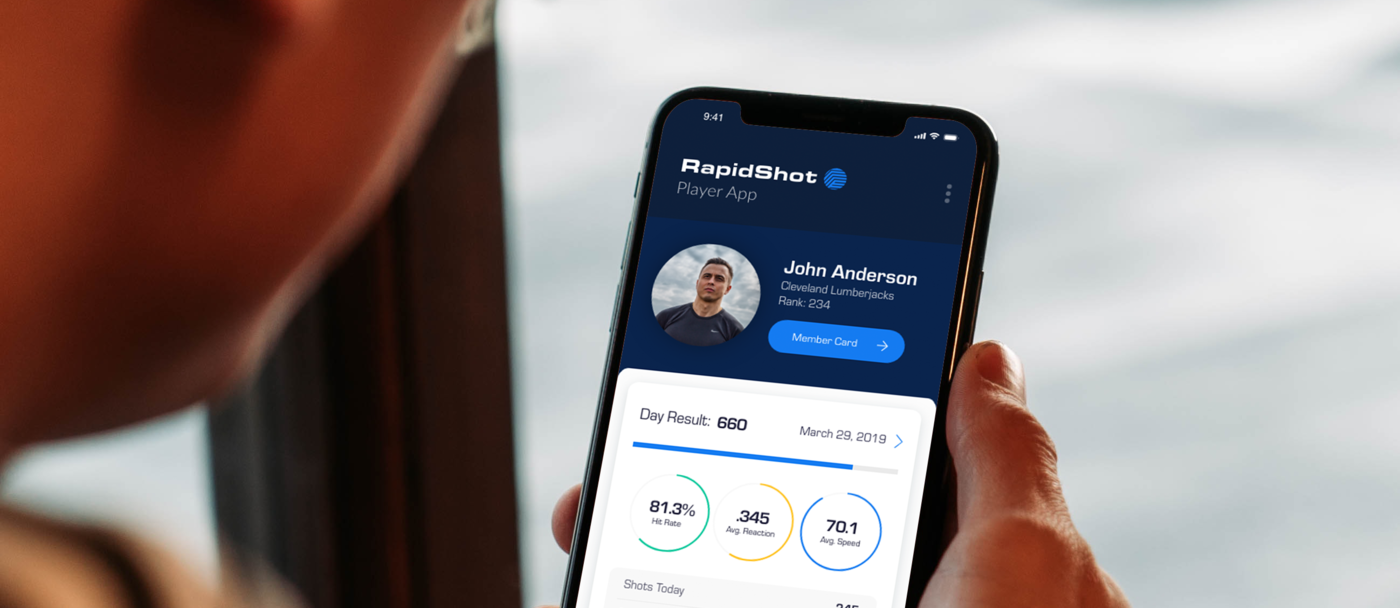
The smart Batting Cage for hockey. Where repetition meets analytics.


Strength shot power and velocity

Improve precision and confidence

Develop pass reception and quick release

Find the right stick and feel the difference
For all skill levels from beginner to professional

130,000,000+
Pucks Shot
50,000+
Members
10
Countries
"The feedback we have gotten from our clients and parents has been an amazing thing to see! You should see the response we get from customers on their shots on the ice. Lots of goals scored and confidence gained. The RapidShot machines have helped us with that tremendously! Thank you!"
"I can tell you the system works. My son has taken thousands of shots on the RapidShot, and his shot speed has increased over 10mph. He’s getting it off more quickly and accurately too. We’re excited for this upcoming season!"
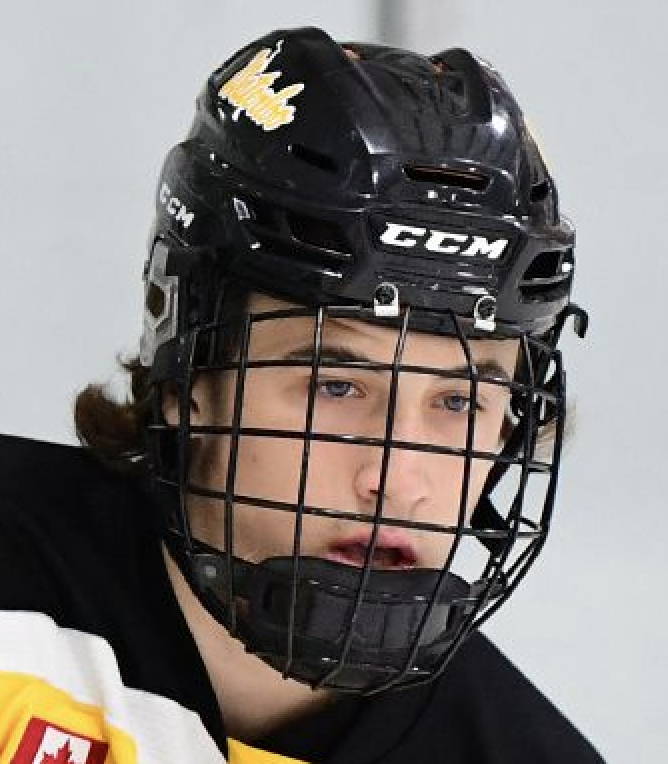
Evan began training at Victus Academy in Kitchener, Ontario in 2016, and quickly began seeing the benefits of training on RapidShot. Known for being able to score bar down wrist shots from the blue line, Evan’s young career has progressed quickly. “I feel the RapidShot has helped with my on-ice game; improving my accuracy, reaction, and speed of my shot.” Evan has taken over 28,000 shots on RapidShot, and has developed a 70mph wrist shot, a .37 second release time, and 70% accuracy.








A tool for players, coaches, trainers, entrepreneurs, and retail stores.
RapidShot Use CasesMade in the USA